本文详细介绍“CentOS/RHEL6系统下手动编译安装Nginx并配置为系统服务”的完整流程,涵盖环境准备、依赖安装、源码编译、服务脚本编写及开机自启设置等关键步骤。针对“CentOS 6编译Nginx依赖缺失”“RHEL6配置Nginx服务脚本”“Nginx 1.28.1版本编译参数详解”等常见问题提供解决方案,帮助运维人员快速掌握“Linux下Nginx源码安装及服务化管理”的核心技能,适合需要自定义模块或优化性能的场景使用。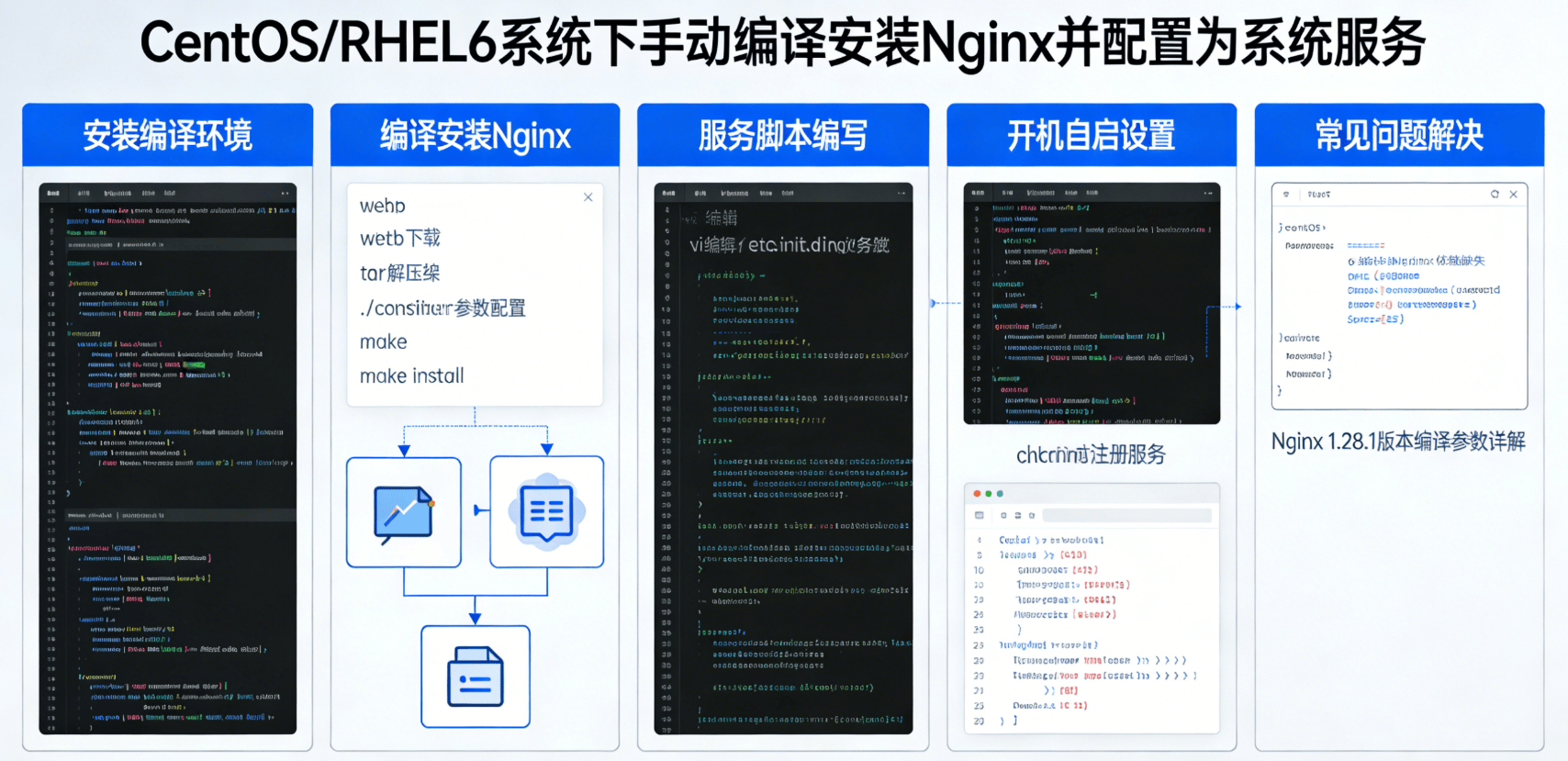
一、先决条件
- 操作系统:RedHat Enterprise Linux(RHEL)6.10
- Nginx版本:1.28.1
二、安装步骤
(一)安装编译环境
在CentOS/RHEL6系统上,执行以下命令安装编译Nginx所需的依赖包:
[root@shizhanxia.com ~]#yum -y install gcc wget automake autoconf libtool libxml2-devel libxslt-devel perl-devel perl-ExtUtils-Embed pcre-devel openssl-devel
三、编译安装Nginx
1.下载最新的Nginx版本
[root@shizhanxia.com ~]#wget http://nginx.org/download/nginx-1.28.1.tar.gz
2.然后就是将下载下来的Nginx解压缩。
[root@shizhanxia.com ~]# tar zxvf nginx-1.28.1.tar.gz
3.进入解压缩后的Nginx目录。
如果你要定制版本号可以更改源码目录src/core/nginx.h文件。
[root@shizhanxia.com ~]#cd nginx-1.28.1/
4.创建相关目录和用户
创建一个nginx目录用来存放运行的临时文件夹,并创建运行Nginx的用户。
[root@shizhanxia.com nginx-1.28.1]#mkdir -p /etc/nginx
[root@shizhanxia.com nginx-1.28.1]#mkdir -p /var/cache/nginx
[root@shizhanxia.com nginx-1.28.1]#useradd app01
5.配置Nginx
执行如下命令开始configure Nginx,请根据实际需求调整参数配置。
[root@shizhanxia.com nginx-1.28.1]#
./configure \
--prefix=/etc/nginx \
--sbin-path=/usr/sbin/nginx \
--conf-path=/etc/nginx/nginx.conf \
--error-log-path=/var/log/nginx/error.log \
--http-log-path=/var/log/nginx/access.log \
--pid-path=/var/run/nginx.pid \
--lock-path=/var/run/nginx.lock \
--http-client-body-temp-path=/var/cache/nginx/client_temp \
--http-proxy-temp-path=/var/cache/nginx/proxy_temp \
--http-fastcgi-temp-path=/var/cache/nginx/fastcgi_temp \
--http-uwsgi-temp-path=/var/cache/nginx/uwsgi_temp \
--http-scgi-temp-path=/var/cache/nginx/scgi_temp \
--user=app01 \
--group=app01 \
--with-pcre \
--with-http_v2_module \
--with-http_ssl_module \
--with-http_realip_module \
--with-http_addition_module \
--with-http_sub_module \
--with-http_dav_module \
--with-http_flv_module \
--with-http_mp4_module \
--with-http_gunzip_module \
--with-http_gzip_static_module \
--with-http_random_index_module \
--with-http_secure_link_module \
--with-http_stub_status_module \
--with-http_auth_request_module \
--with-mail \
--with-mail_ssl_module \
--with-file-aio \
--with-ipv6 \
--with-http_v2_module \
--with-threads \
--with-stream \
--with-stream_ssl_module
剩余内容需解锁后查看
 订阅用户
订阅用户原创文章,作者:实战侠,如若转载,请注明出处:https://www.shizhanxia.com/solutions/centos-rhel6-compile-install-nginx-service.html

 微信扫一扫
微信扫一扫  支付宝扫一扫