本文聚焦于CentOS/RHEL9系统,以实战教程形式深度剖析Nginx编译安装全流程。内容全面覆盖CentOS/RHEL9下Nginx编译环境搭建、Nginx编译安装步骤、Nginx配置服务指南以及后续运维管理技巧等经验证技术实践。此外,还包含Nginx隐藏版本号等深度拆解的实用案例分析,旨在为运维人员提供一套完整且可复用的 Nginx 安装配置运维解决方案。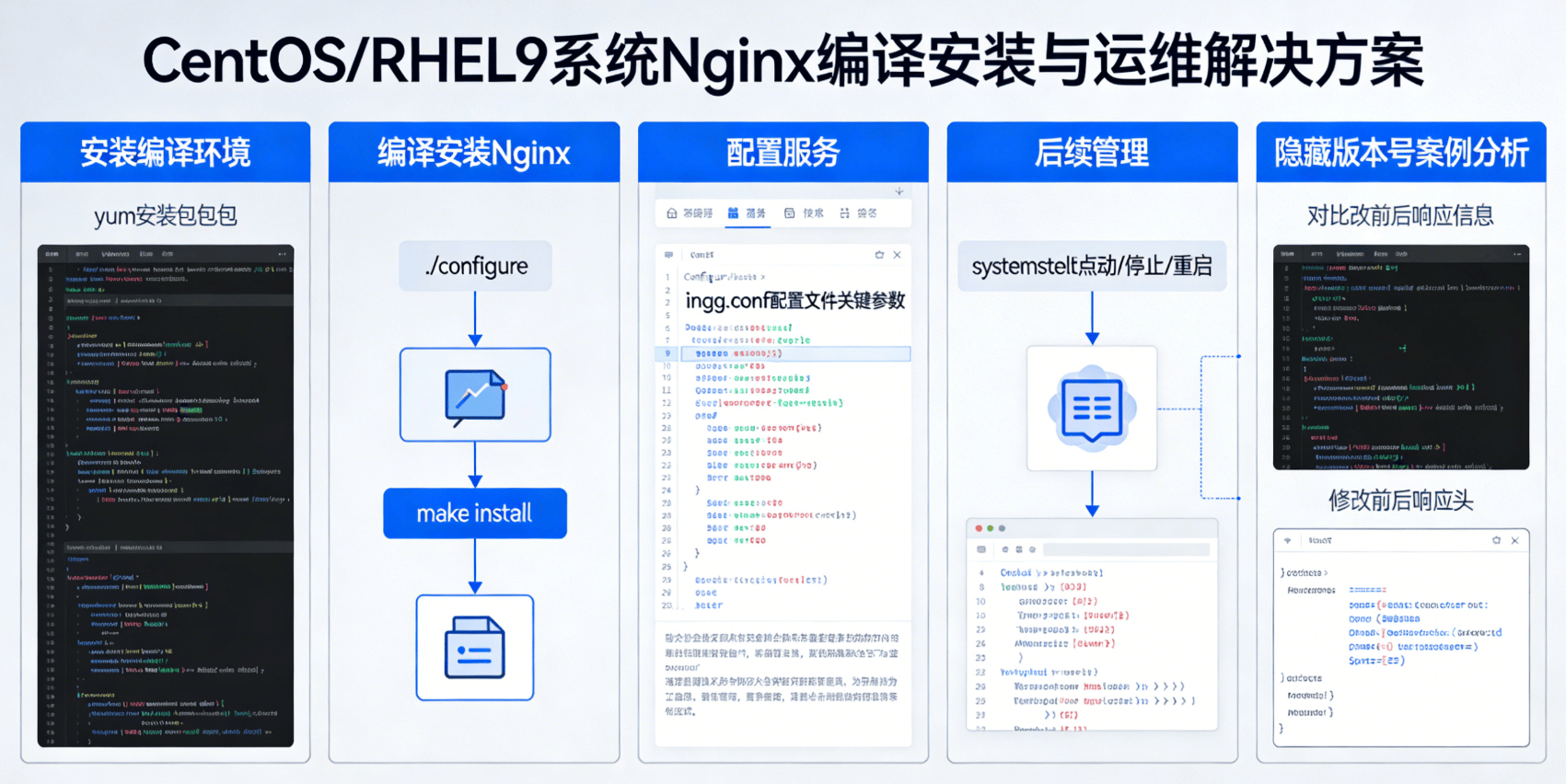
一、先决条件
- 操作系统:Red Hat Enterprise Linux release 9.7 (Plow)
- Nginx版本:1.28.0
二、安装步骤
(一)安装编译环境
在CentOS/RHEL7系统上安装Nginx,首先需要搭建好编译环境。通过以下命令安装所需的编译工具和依赖库:
[root@shizhanxia.com ~]#yum -y install gcc wget automake autoconf libtool libxml2-devel libxslt-devel perl-devel perl-ExtUtils-Embed pcre-devel openssl-devel make
这些工具和库是编译Nginx源码所必需的,确保系统具备编译能力,为后续的安装工作奠定基础。
(二)编译安装Nginx
1,下载最新的Nginx版本
使用wget命令从官方网站下载Nginx源码包:
[root@shizhania.com ~]#wget http://nginx.org/download/nginx-1.28.0.tar.gz
2,解压缩Nginx源码包
下载完成后,使用tar命令将源码包解压缩:
[root@shizhanxia.com ~]# tar zxvf nginx-1.28.0.tar.gz
解压缩后,会生成一个包含Nginx源码的目录。
3,进入解压缩后的Nginx目录
[root@yunweixia.com ~]#cd nginx-1.28.0/
如果你要定制版本号可以更改源码目录src/core/nginx.h文件。
4,创建相关目录和用户
为了使Nginx能够正常运行,需要创建一些必要的目录,并添加一个运行Nginx的用户:
[root@shizhanxia.com nginx-1.28.0]#mkdir -p /etc/nginx
[root@shizhanxia.com nginx-1.28.0]#mkdir -p /var/cache/nginx
[root@shizhanxia.com nginx-1.28.0]#useradd app01
/etc/nginx目录用于存放Nginx的配置文件,/var/cache/nginx目录用于存放Nginx运行时的临时文件,添加的app01用户将作为Nginx的运行用户。
5,开始configure Nginx
configure阶段是编译安装Nginx的关键步骤,通过配置各种参数来定制Nginx的功能和安装路径。以下是一个详细的configure命令示例:
[root@shizhanxia.com nginx-1.28.0]#

./configure \
--prefix=/etc/nginx \
--sbin-path=/usr/sbin/nginx \
--conf-path=/etc/nginx/nginx.conf \
--error-log-path=/var/log/nginx/error.log \
--http-log-path=/var/log/nginx/access.log \
--pid-path=/var/run/nginx.pid \
--lock-path=/var/run/nginx.lock \
--http-client-body-temp-path=/var/cache/nginx/client_temp \
--http-proxy-temp-path=/var/cache/nginx/proxy_temp \
--http-fastcgi-temp-path=/var/cache/nginx/fastcgi_temp \
--http-uwsgi-temp-path=/var/cache/nginx/uwsgi_temp \
--http-scgi-temp-path=/var/cache/nginx/scgi_temp \
--user=app01 \
--group=app01 \
--with-pcre \
--with-http_v2_module \
--with-http_ssl_module \
--with-http_realip_module \
--with-http_addition_module \
--with-http_sub_module \
--with-http_dav_module \
--with-http_flv_module \
--with-http_mp4_module \
--with-http_gunzip_module \
--with-http_gzip_static_module \
--with-http_random_index_module \
--with-http_secure_link_module \
--with-http_stub_status_module \
--with-http_auth_request_module \
--with-mail \
--with-mail_ssl_module \
--with-file-aio \
--with-ipv6 \
--with-http_v2_module \
--with-threads \
--with-stream \
--with-stream_ssl_module
这些参数详细定义了Nginx的安装路径、日志文件路径、运行用户、启用的模块等功能。通过合理配置这些参数,可以满足不同运维场景下对Nginx的需求。
剩余内容需解锁后查看
 订阅用户
订阅用户原创文章,作者:实战侠,如若转载,请注明出处:https://www.shizhanxia.com/solutions/centos-rhel9-compile-install-nginx-service.html

 微信扫一扫
微信扫一扫  支付宝扫一扫